
Burnaby Laptop · Repairs & data recovery
Keep the computer.
Recover the files.
Get on with your day.
Repairs for every make of laptop, desktop and custom PC. Advanced recovery for failed drives, SSDs and multi-drive systems. Start with an estimate.
Office drop-off · Office 800, 7300 Edmonds Street
Know the cost before approving work
Choose your estimate.
The response window covers the estimate. Parts, repairs and specialist recovery are quoted separately.
Computer repair in Burnaby
Find help with the problem you have.
Mac, Windows, Chromebook, gaming PCs and workstations. Model and parts availability determine the repair options.
Screen & display repair
Broken screen, flickering, lines or no picture.
Power, batteries & charging
Battery wear, charging ports and computers that will not turn on.
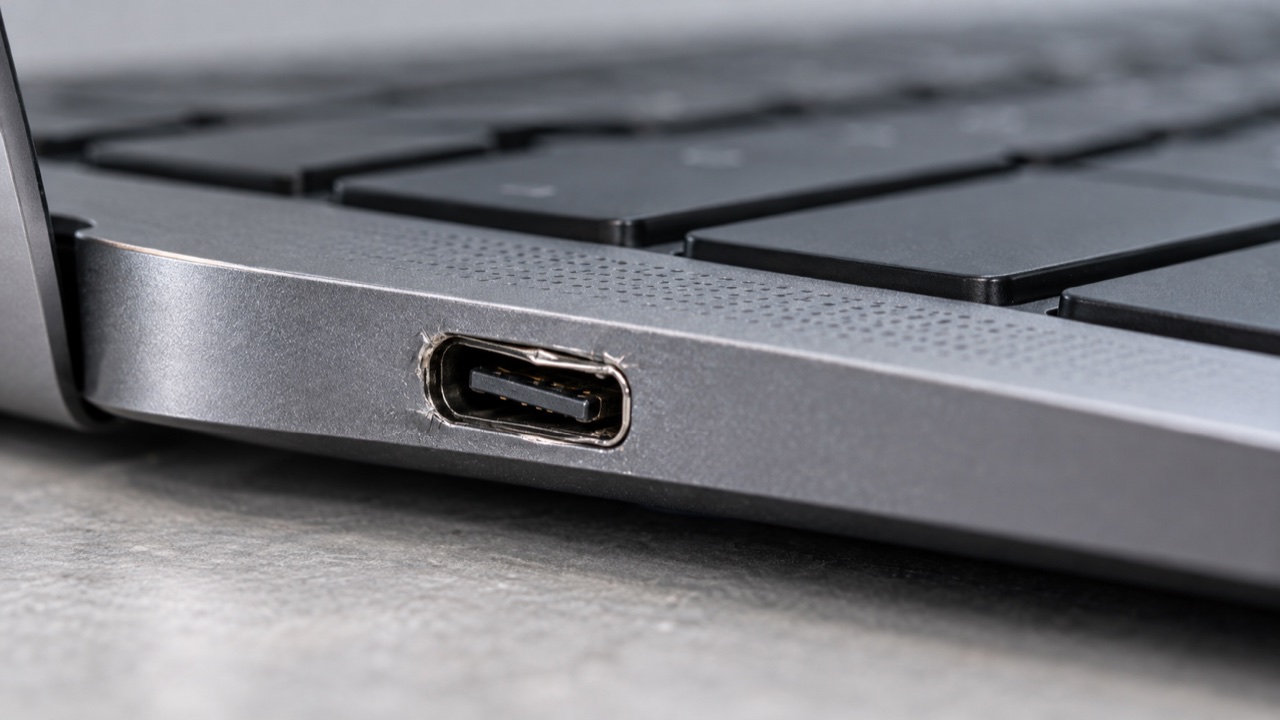
Keyboards, ports & physical damage
Keys, trackpads, hinges, cases, USB ports and connectors.
Motherboards & liquid damage
Board faults, corrosion, damaged circuits and liquid spills.
Cooling, upgrades & performance
Overheating, noisy fans, SSD upgrades, memory and slow computers.
Windows, macOS & software
Startup errors, updates, malware, drivers and network problems.
Advanced data recovery
There is more than one
way a drive can fail.
Deleted files, unstable SSDs, damaged hard drives, RAID and NAS failures need different methods. We assess the problem before proposing logical, electronic or specialist clean-room work.
Device drop-off
A reference first.
Then a handover.
Office 800, 7300 Edmonds Street
Reception hours: 9 a.m. to 5 p.m.Before travelling, call office reception at 672-273-0050 to confirm the receptionist is available.
- Complete your estimate details
Tell us the device, the fault and whether preserving files is the priority.
- Keep your confirmed reference
For paid estimates, keep the PayPal transaction reference. For a no-charge request, confirm the case reference with the service team before travelling.
- Confirm reception and drop off by 2 p.m.
Bring your reference with the device. Agree any accessories, handling and collection arrangements.
Repair in Burnaby
Tell us what changed.
A useful description helps distinguish a repair from a data recovery need.
Screen, power or charging
Note whether the display flickers, the charger works at an angle, or the computer shuts down. The model and visible symptoms guide inspection.
Hot, noisy or slow
Say when heat or fan noise starts, what work is running and whether the machine freezes. Cooling and upgrade options depend on its design.
Files are the priority
If the storage may be failing, stop repeated startup attempts and say which files matter before repair, reinstall or replacement work.